
1. Create or Access Your Account
To get started:- Create an account: If you don’t have one, follow the account creation and first login guide.
- Log in: If you already have an account, sign in at app.aegister.com.
2. Verify Your Virtual CISO License
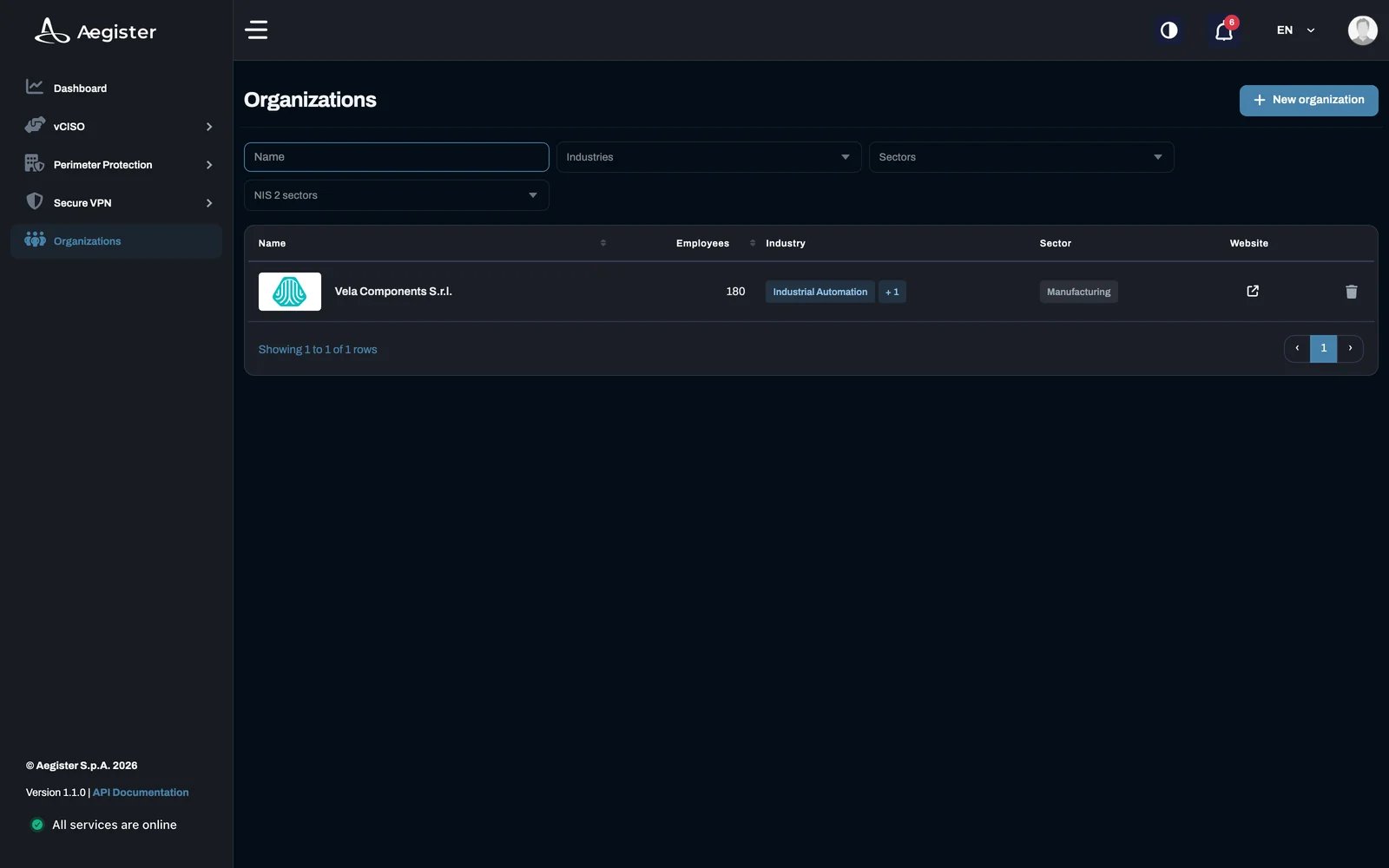
After logging in, check that the Virtual CISO license is active for your Organization. You need an active license to access the Virtual CISO services.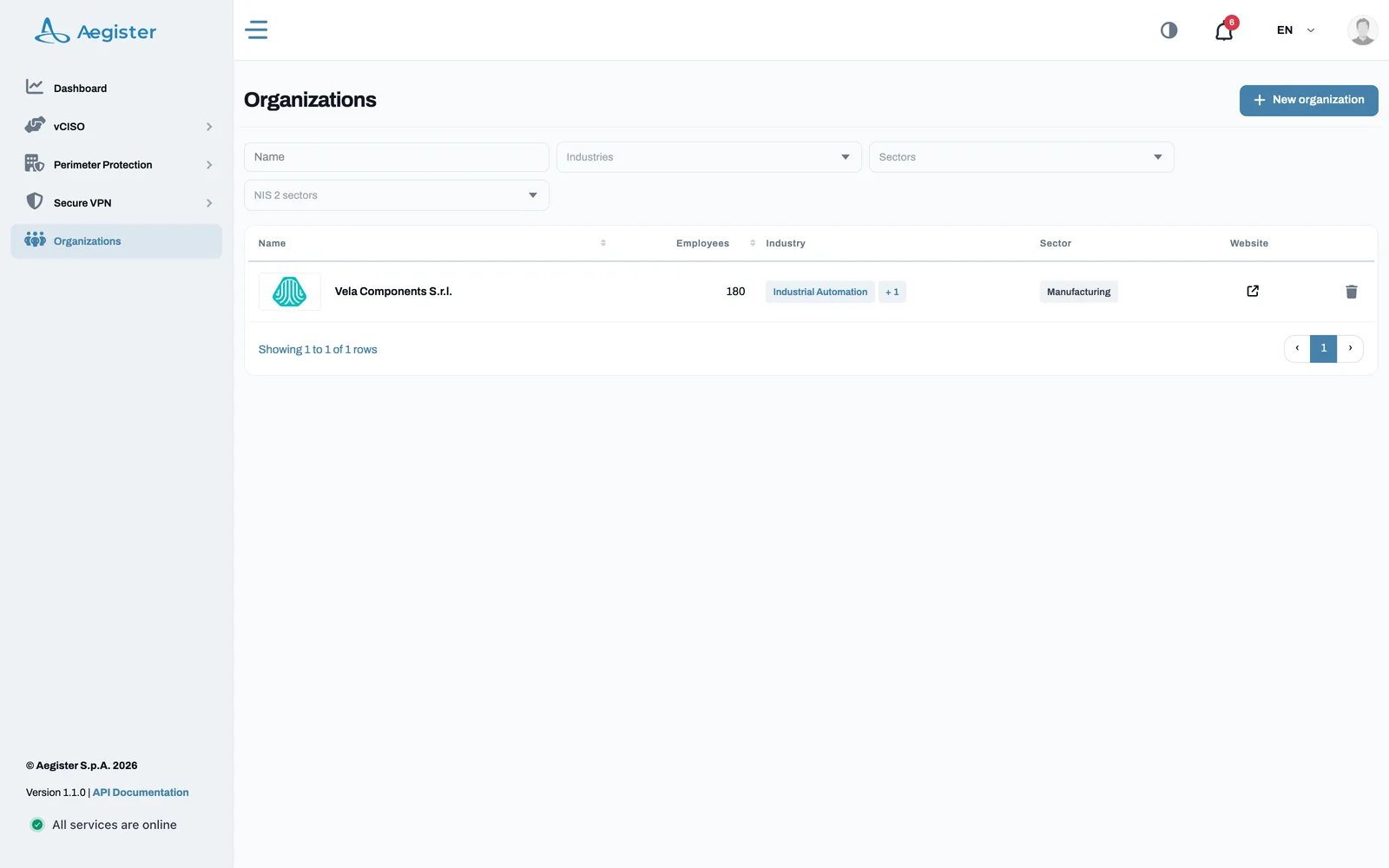
3. Navigating the vCISO Section
Once your license is confirmed, open vCISO in the side menu. It offers two main pages:- Cyber Posture: shows the current status of your security policy implementation and compliance standards. View it here.
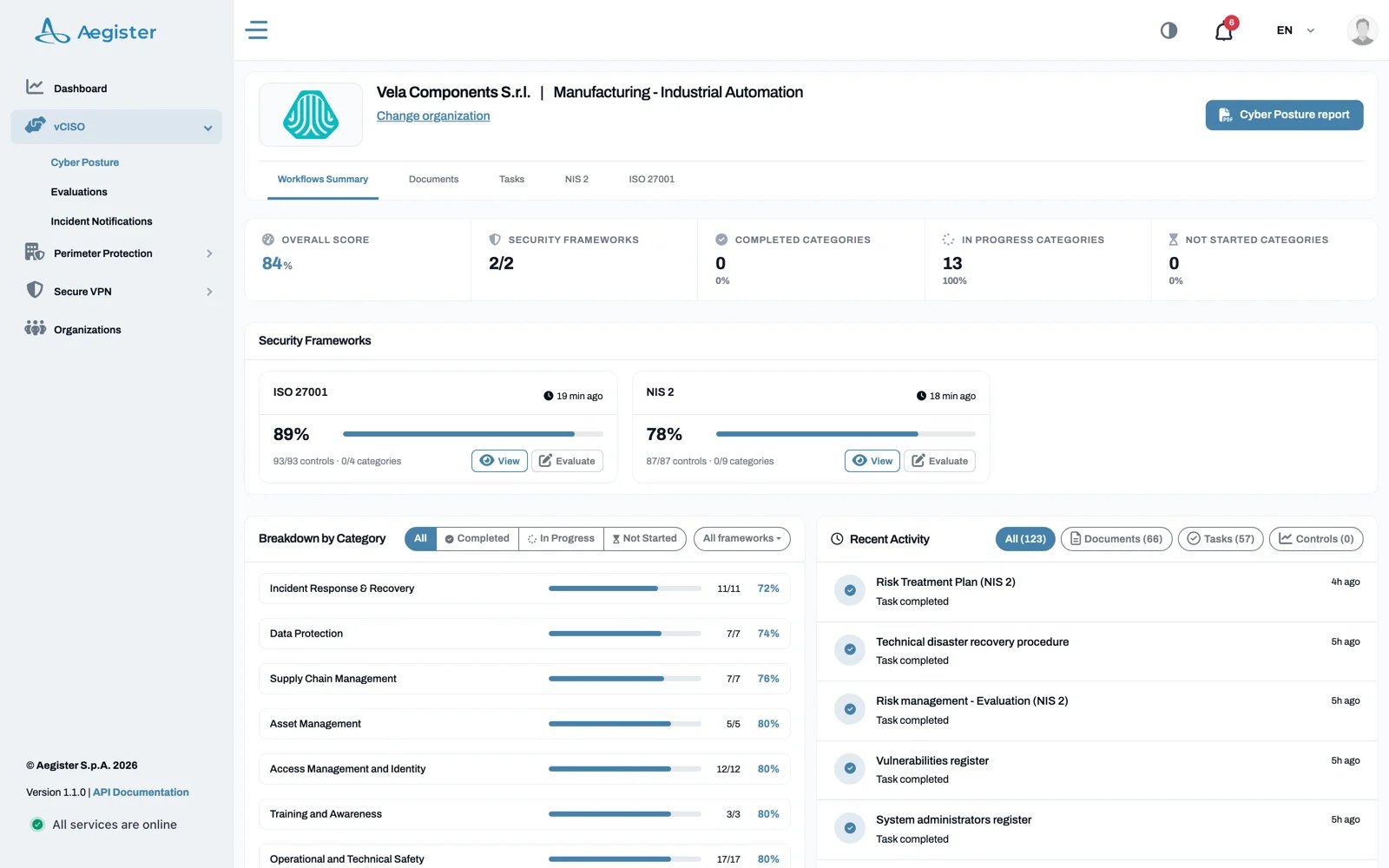
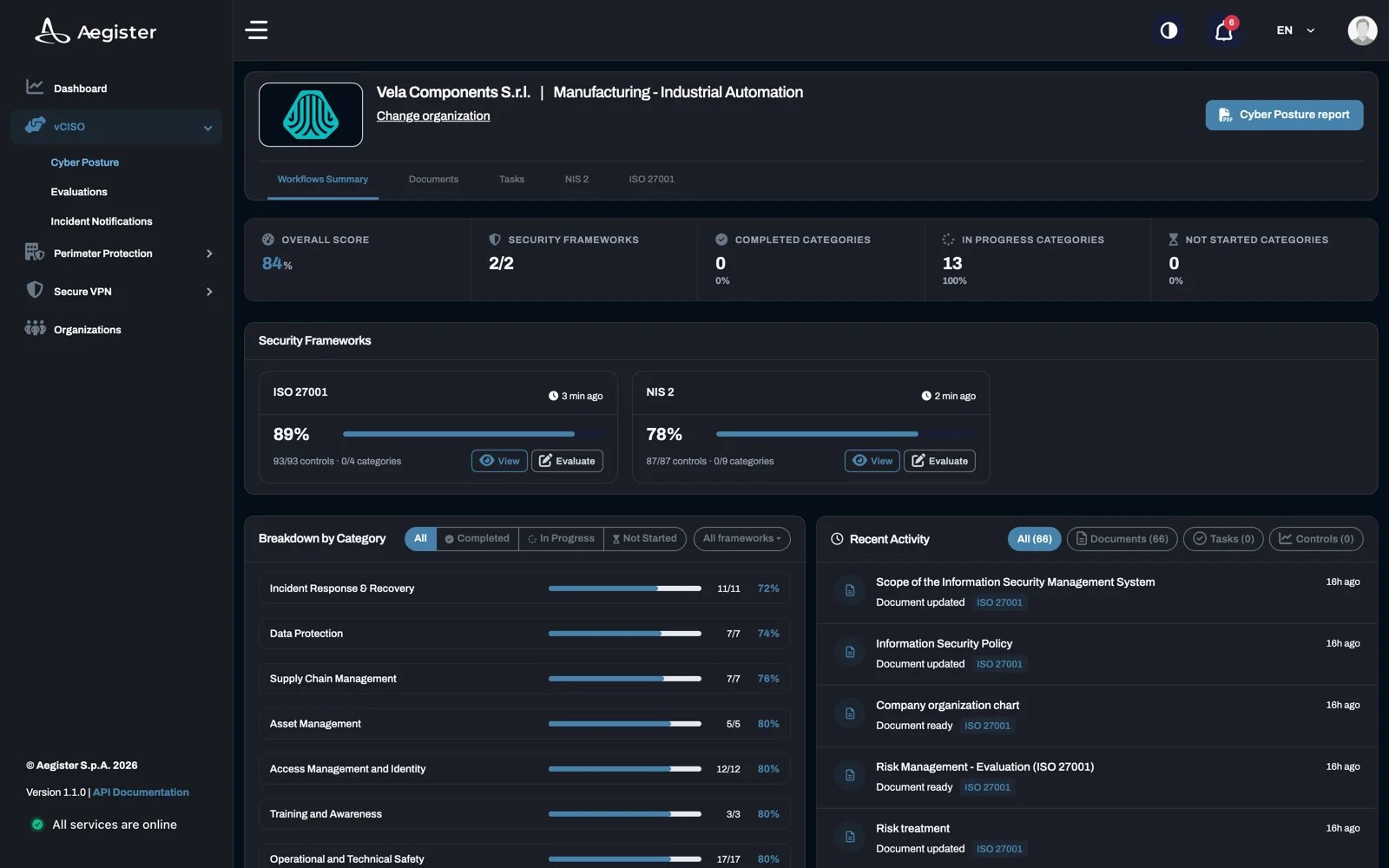
- Evaluations: lets you add new security frameworks and complete the required tasks. Open it here.
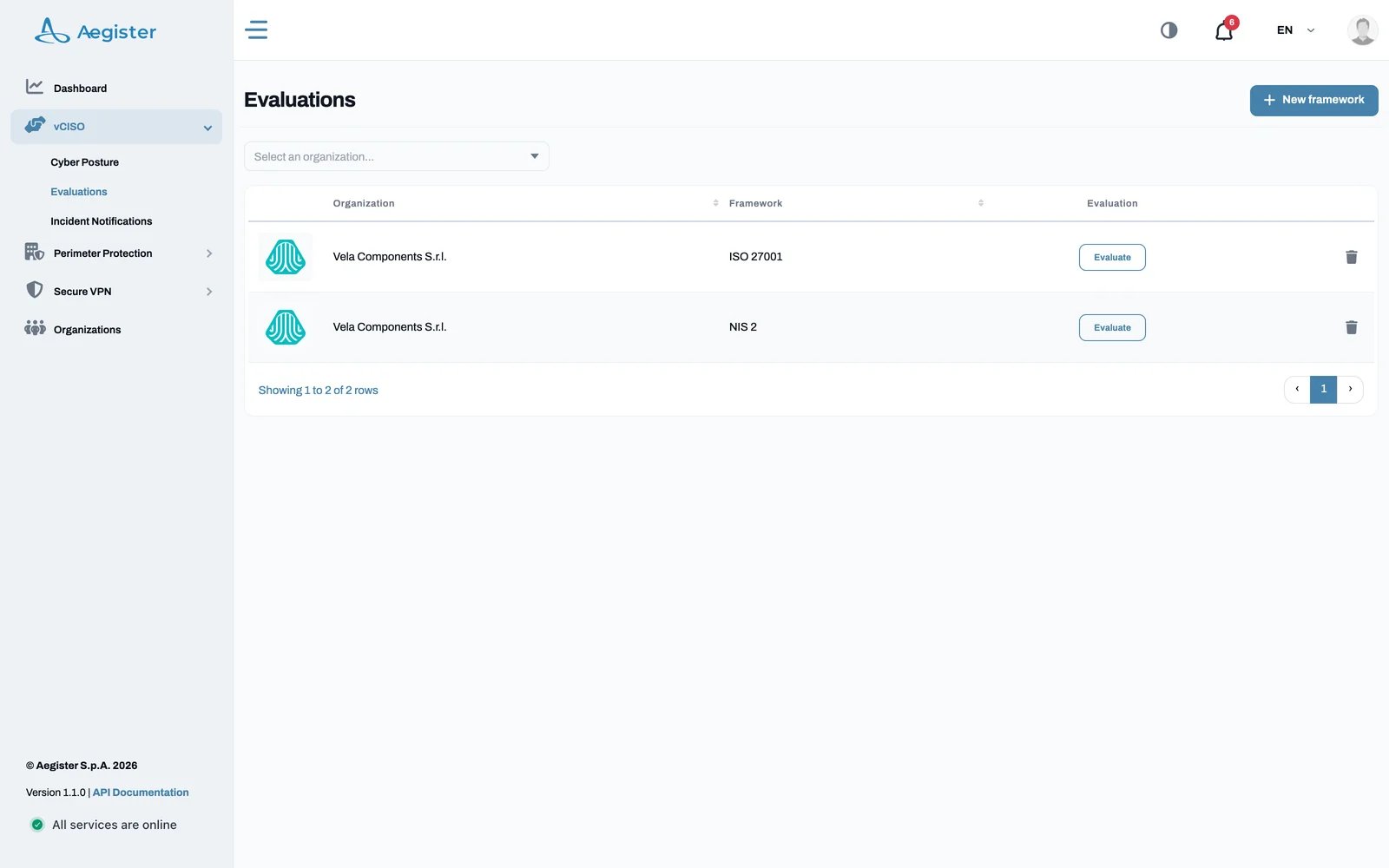
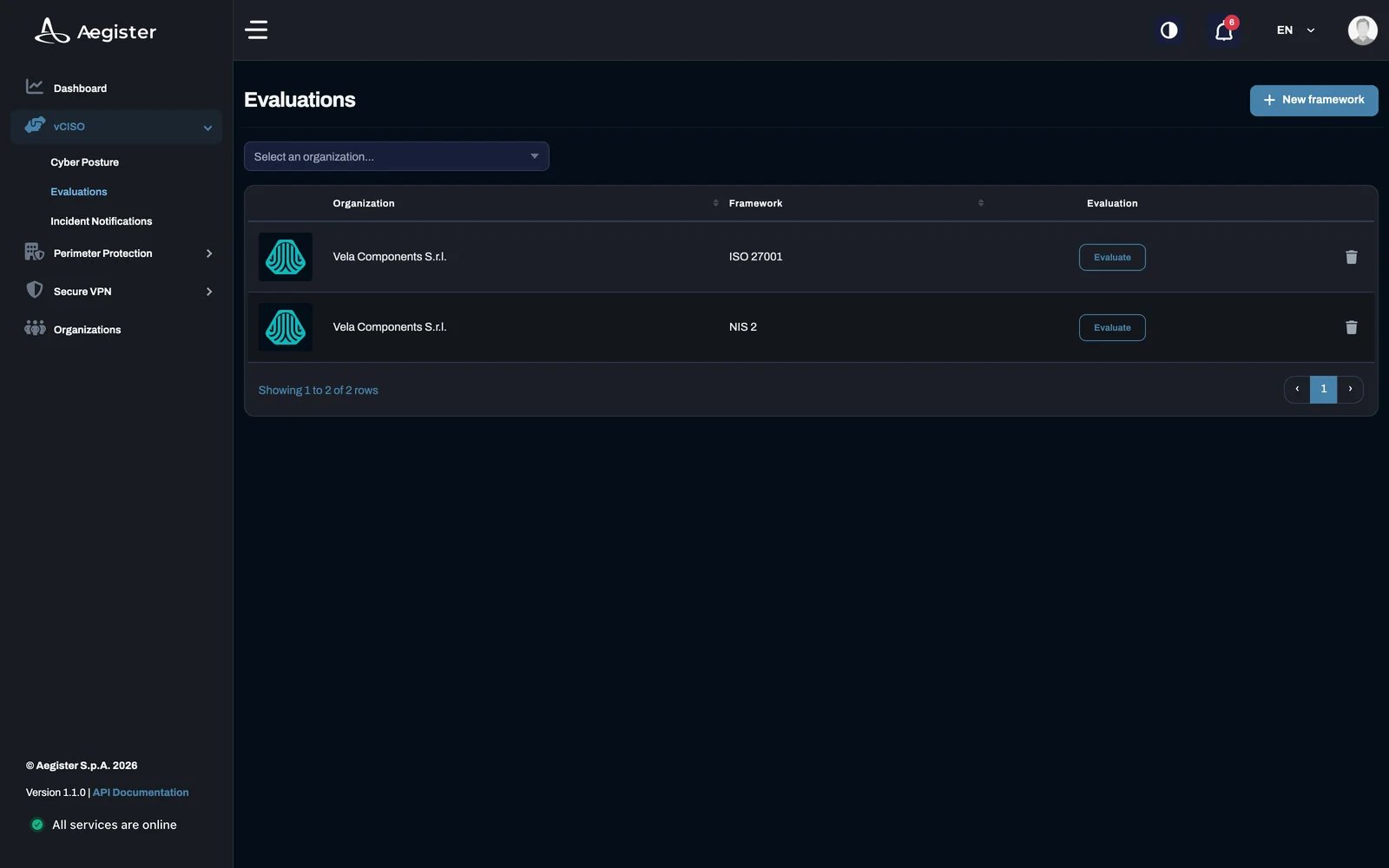
4. Structure of the vCISO Section
The vCISO section has two main pages:4.1 Cyber Posture
- Audience: all users within an organization.
- Functionality: shows the implementation status of the security activities defined in the frameworks associated with your organization.
4.2 Evaluations
- Audience: security officers and owners.
- Functionality:
- Shows the security frameworks that Aegister has added to your organization.
- Lets you add new security frameworks yourself with New framework (Aegister tailors them to your needs).
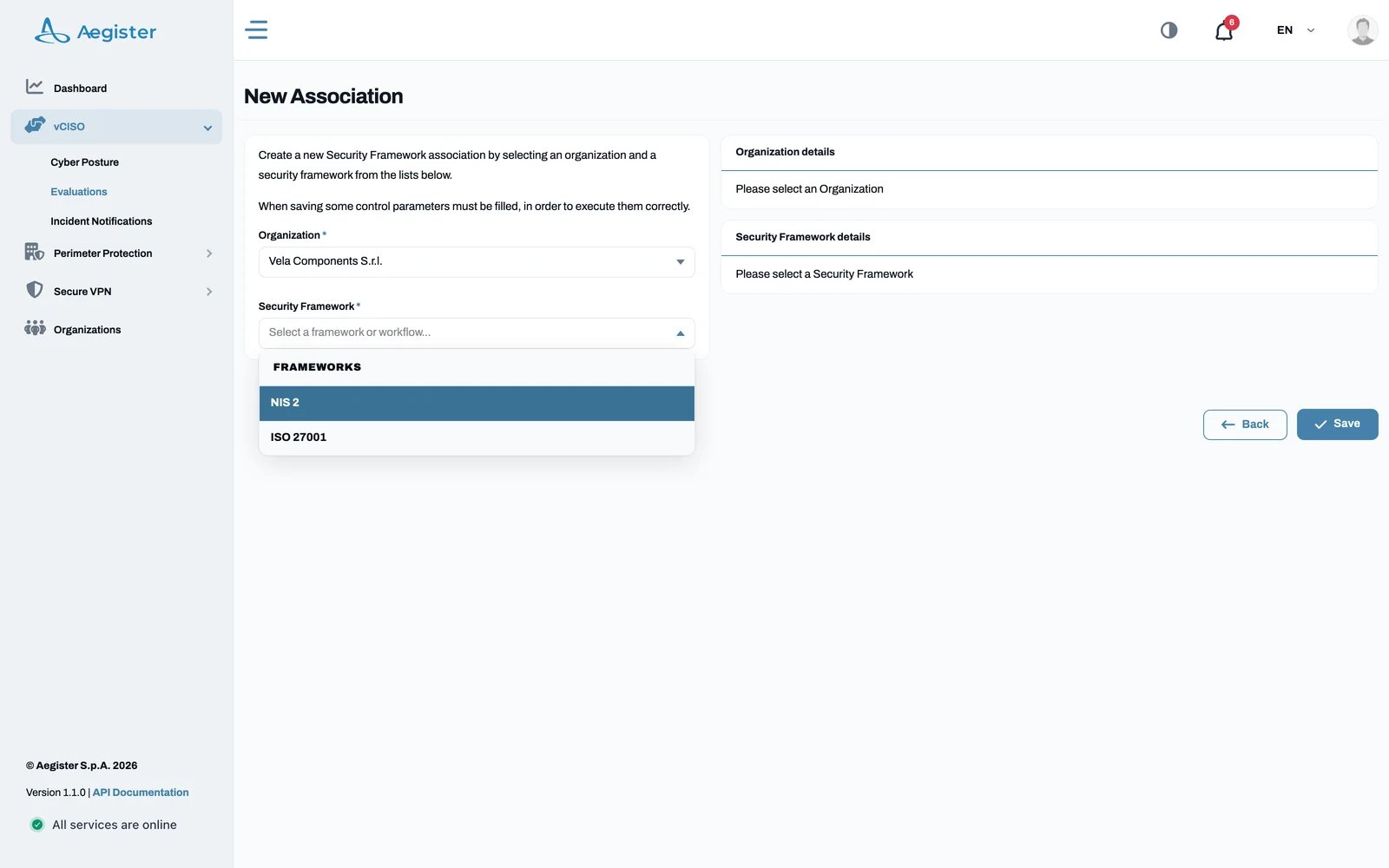
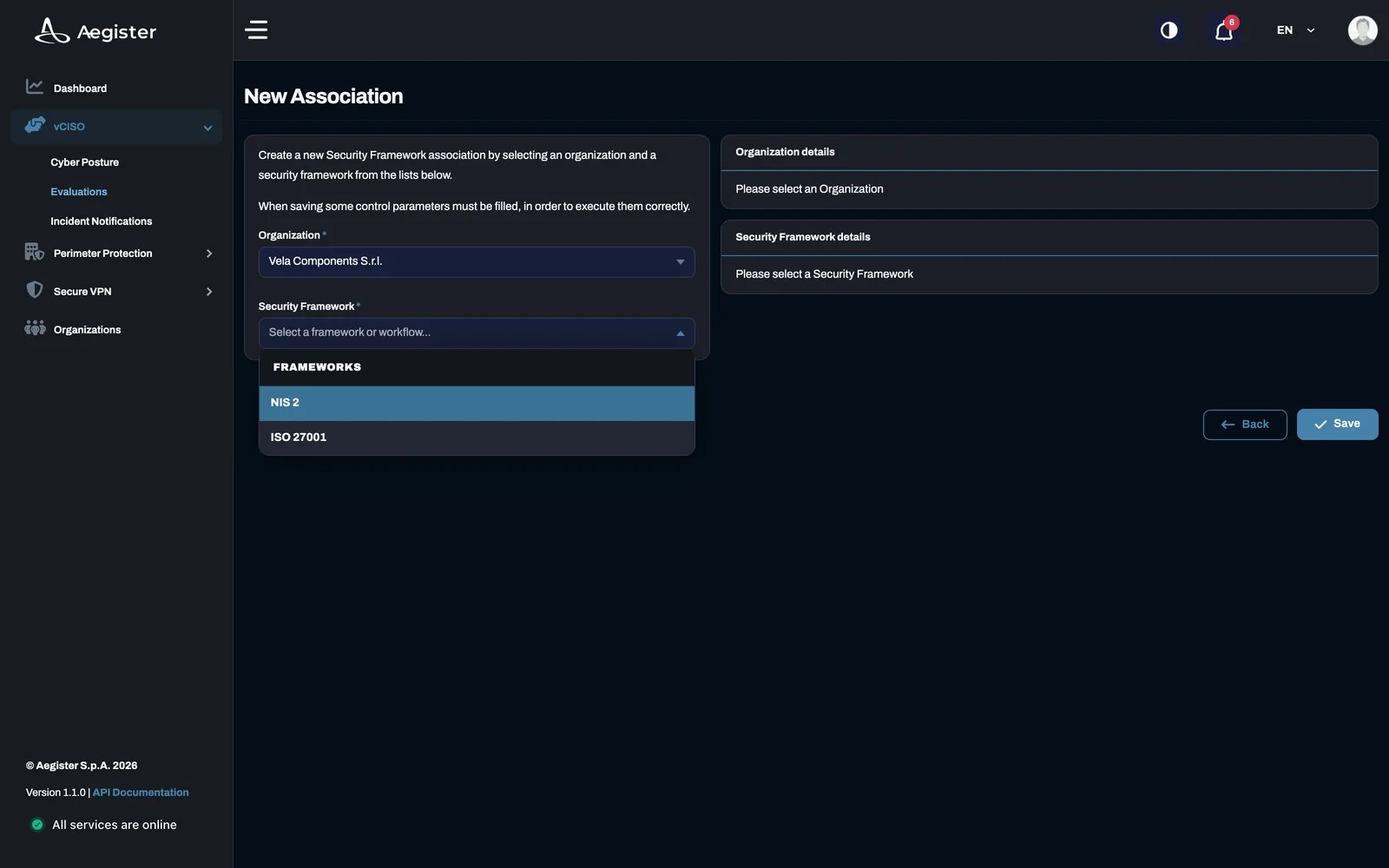
- Starts the required remediation tasks.
5. Task Management
Tasks fall into two types:- Automated: scheduled scripts defined in the security framework that run periodically, with a log of past executions.
- Self: tasks that require manual work.
Task Evaluation and Documentation
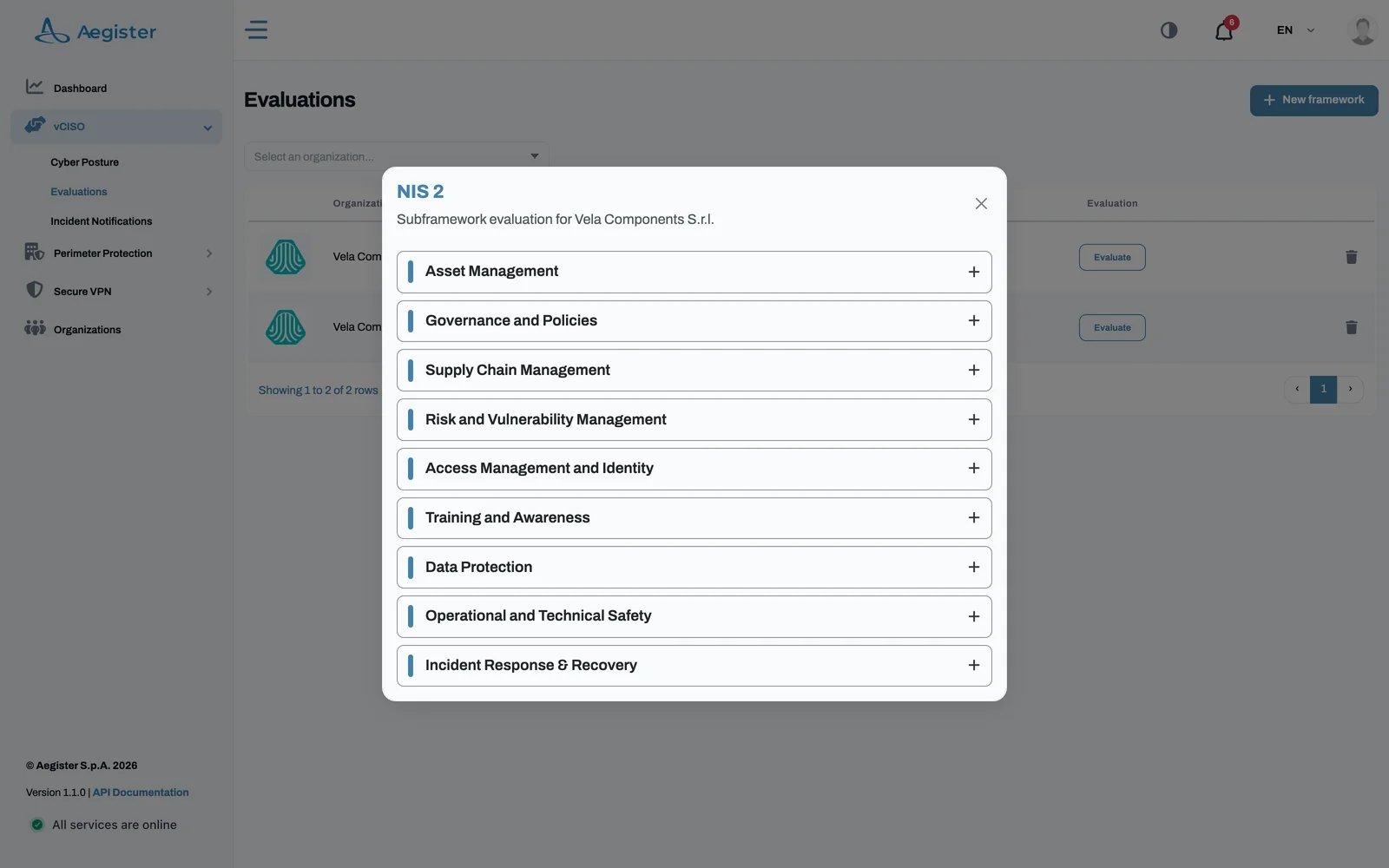
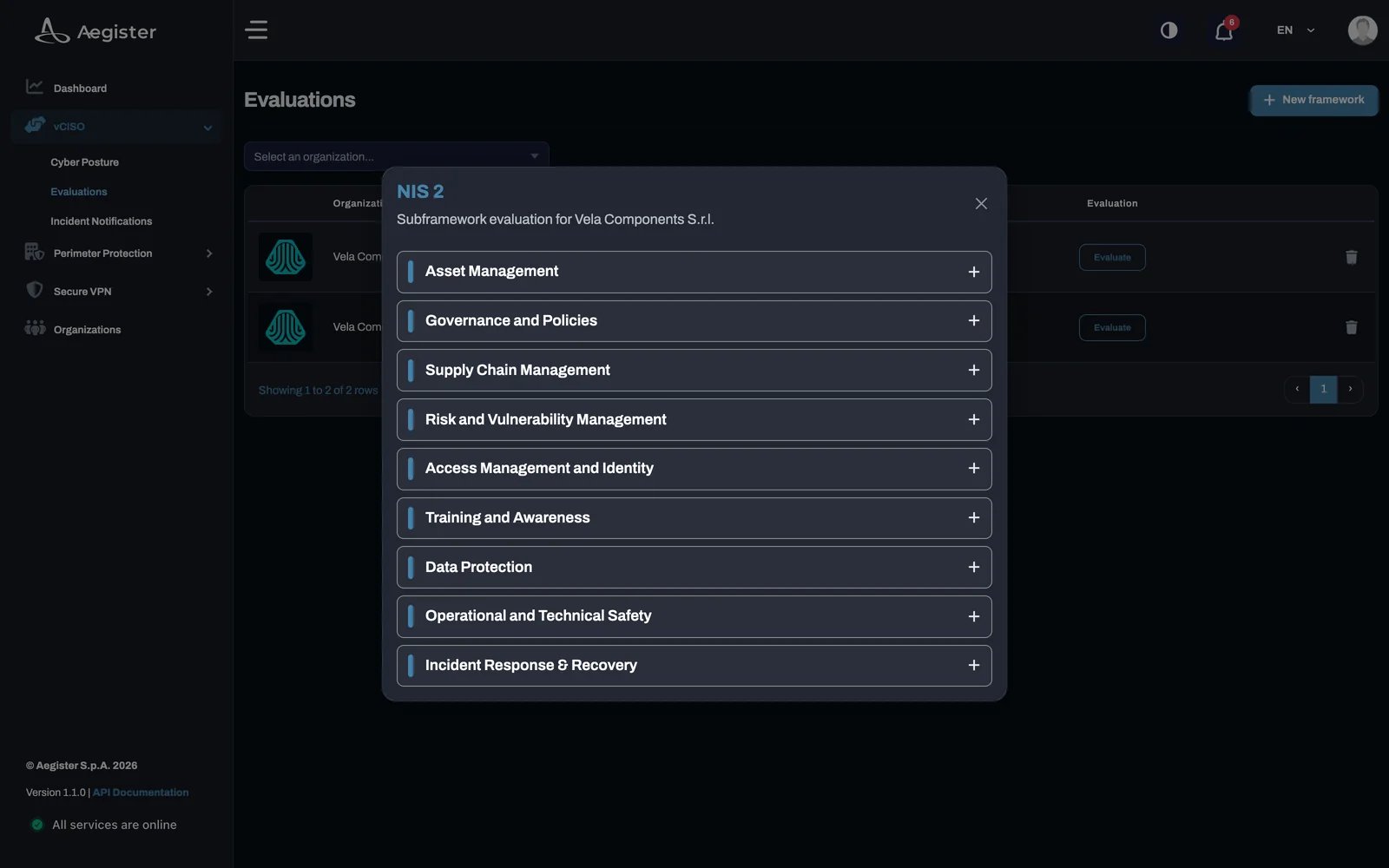
- Evaluate: on vCISO → Evaluations, click Evaluate on a framework’s row. The framework opens
as a list of categories (for NIS 2, categories such as Asset Management or Supply Chain Management).
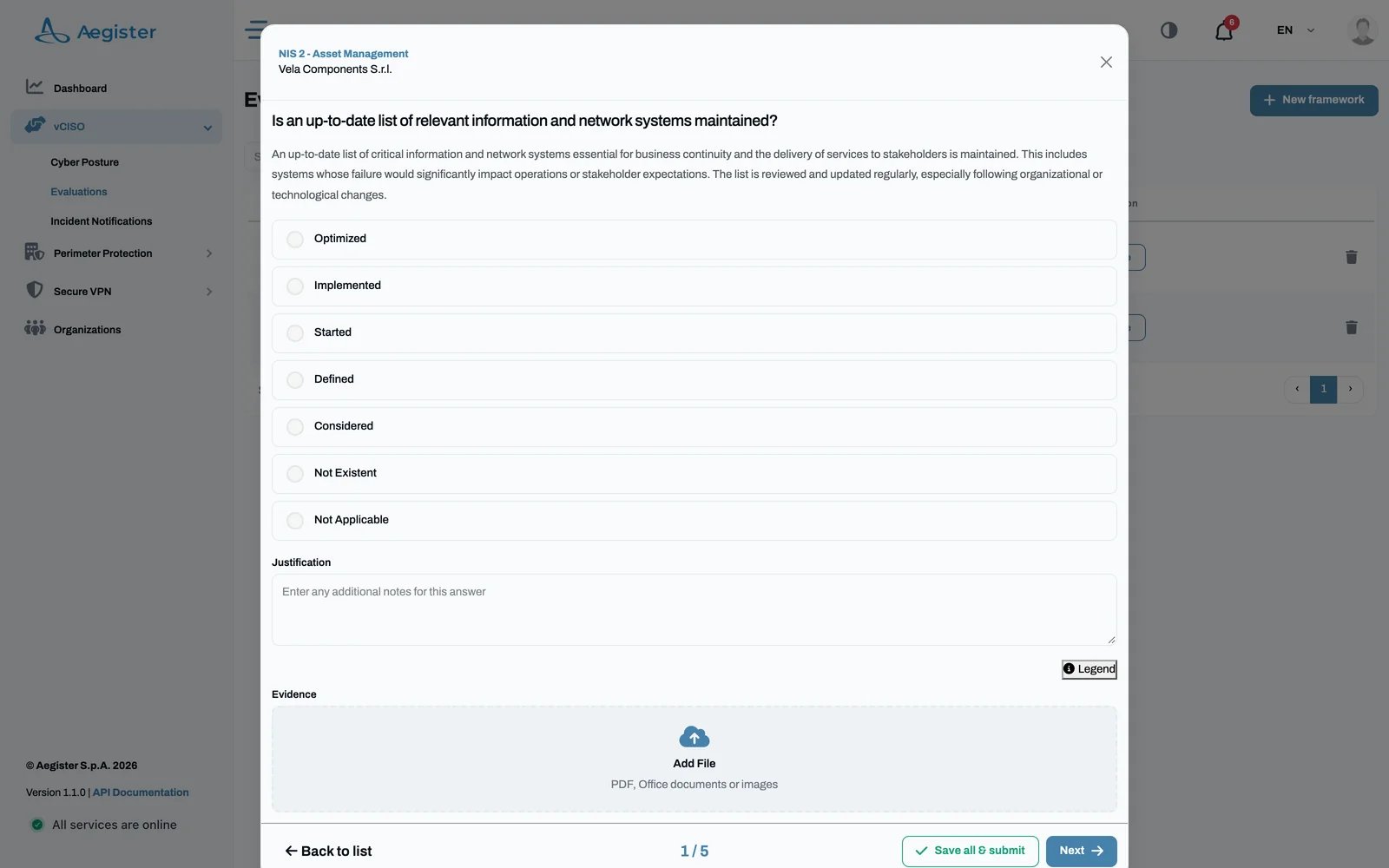
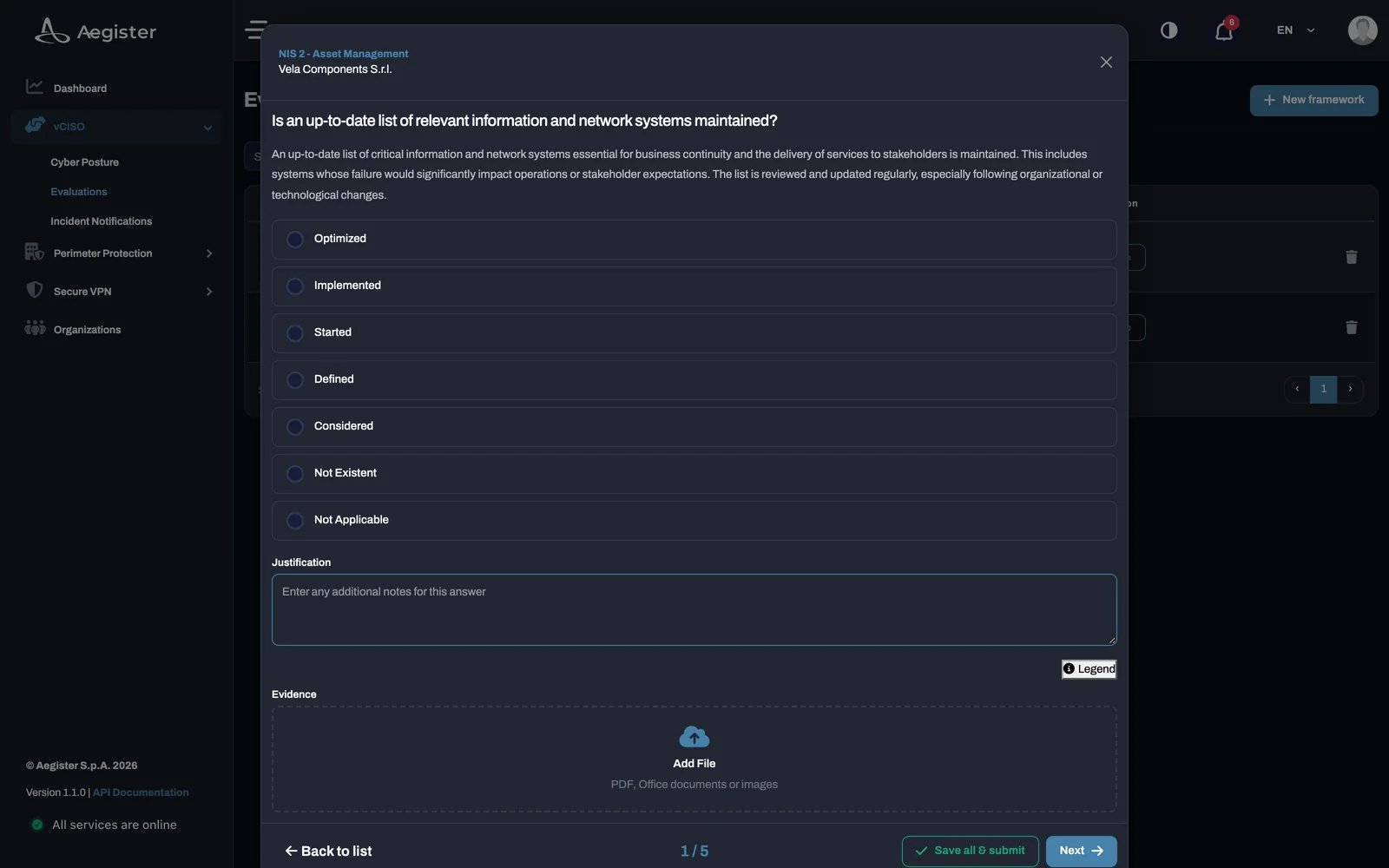
- Answer the questions: pick a category to answer its questions one at a time. For each question,
choose the answer level, add a justification and upload evidence (PDF, Office documents or images),
then submit with Save all & submit.
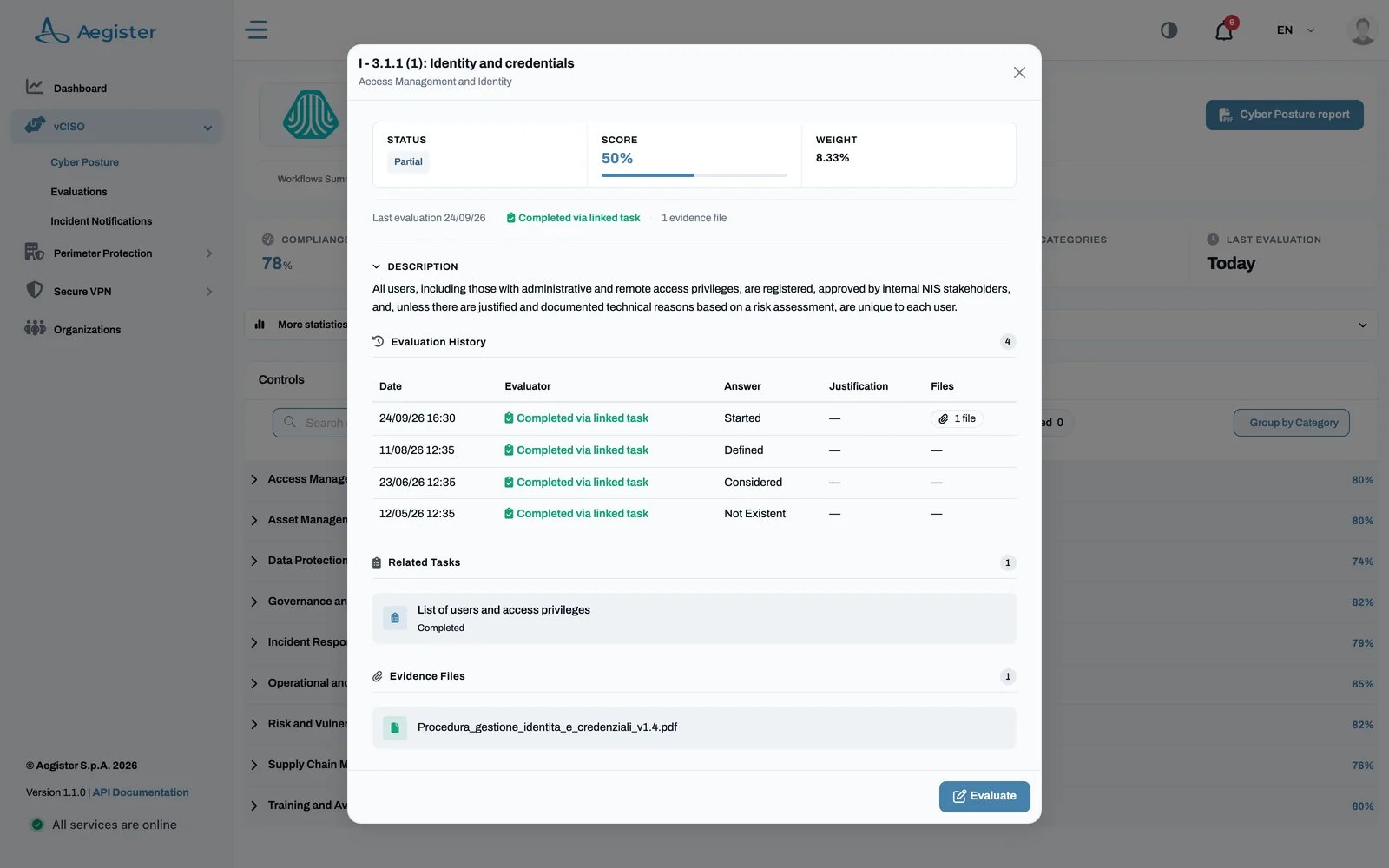
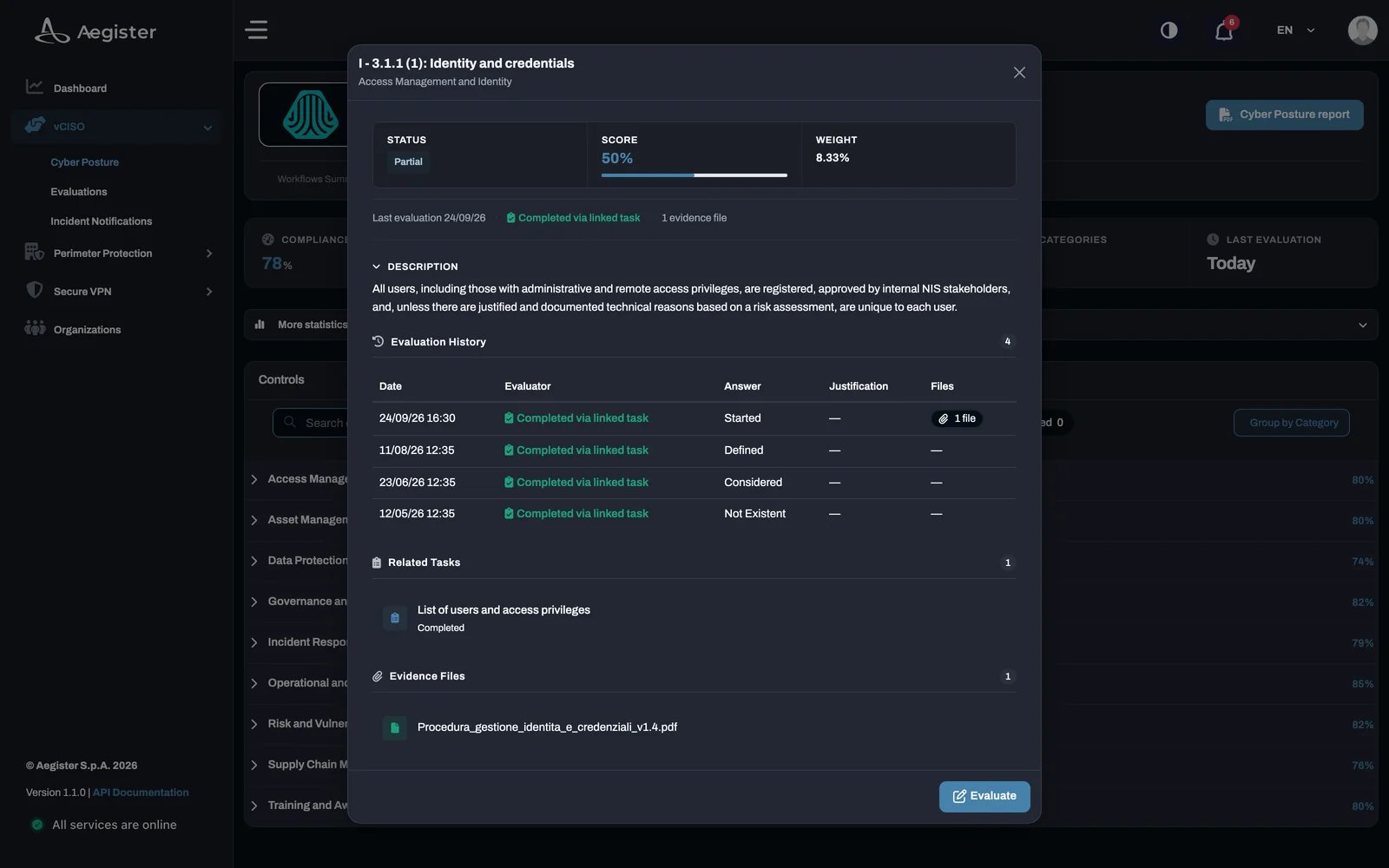
- Evaluation history: on Cyber Posture, open a framework and click a control. Its
Evaluation History lists every past evaluation with date, evaluator, answer, justification and
attached files, so you can track your progress.