> ## Documentation Index
> Fetch the complete documentation index at: https://docs.aegister.com/llms.txt
> Use this file to discover all available pages before exploring further.
# Getting Started
> A guide for registering and accessing the Aegister Cyber Console (ACC) based on the chosen authentication method.
This guide shows how to create an account and access the Aegister Cyber Console (ACC) using either of the two registration methods: with Single Sign-On (SSO) or without it.
## Scenario A: User Without SSO
If you do not use a Single Sign-On system, follow these steps:
1. **Registration:**\
Open the registration page:\
[ACC Registration](https://app.aegister.com/keycloak/realms/aegister/login-actions/registration?client_id=webapp\&tab_id=l13Y1WJUB6U)
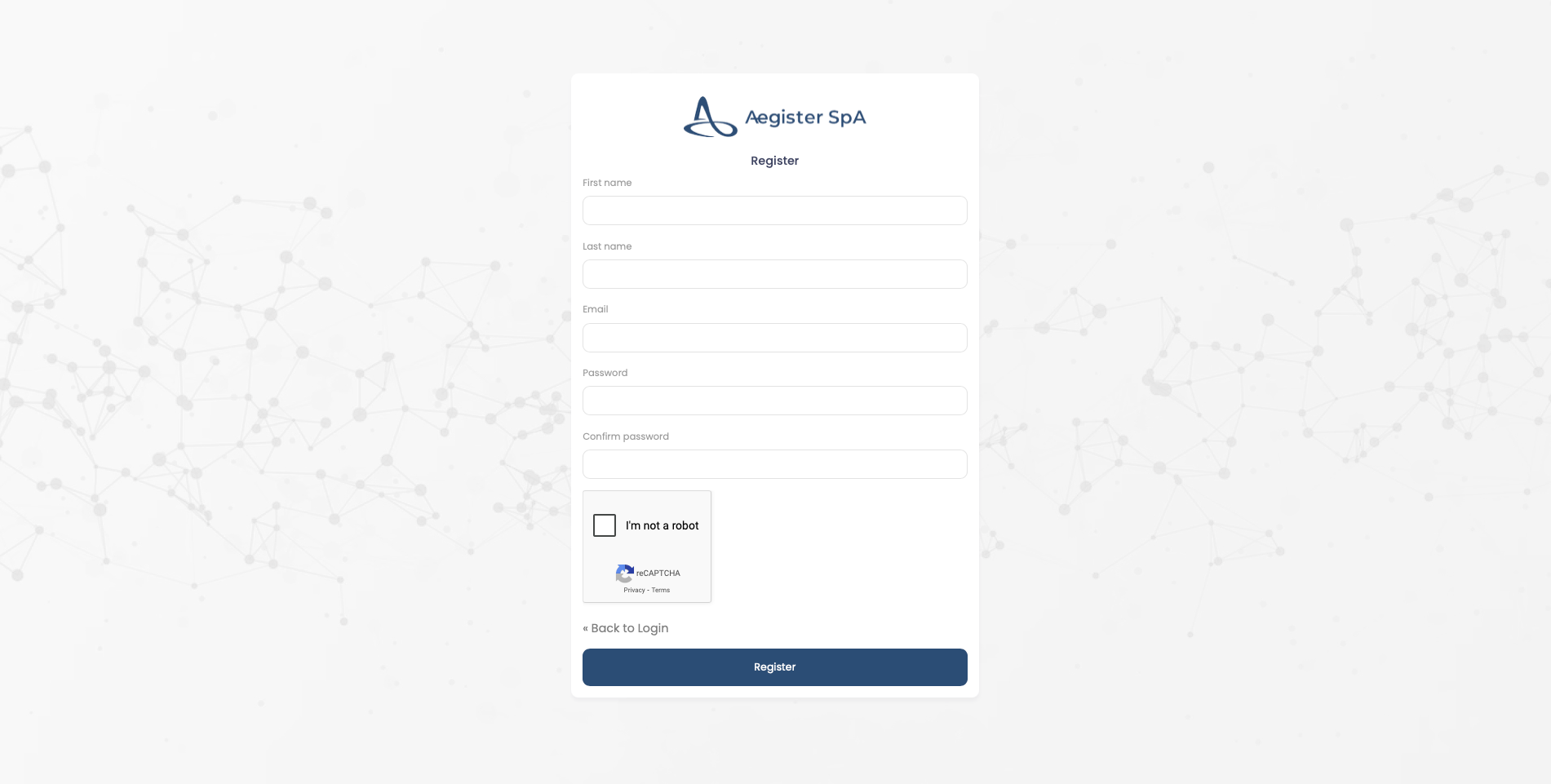
2. **Filling Out the Form:**\
Fill in the registration form with the required information to create your account.
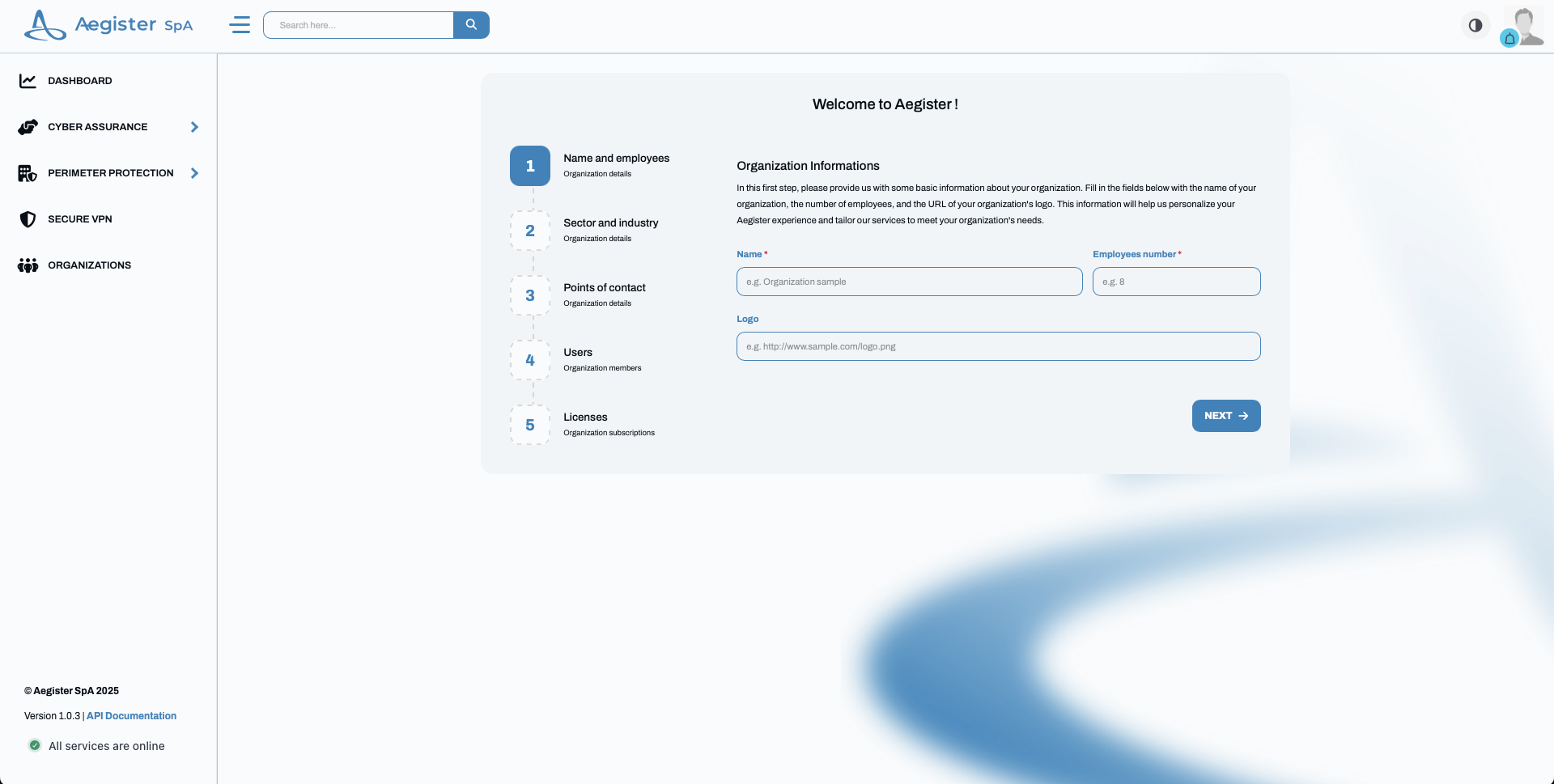
 3. **Adding Organizational Details:**\
After you register, add your organization's details.
3. **Adding Organizational Details:**\
After you register, add your organization's details.
 4. **Review by the Aegister Team:**\
The Aegister team reviews your account. If your organization is new, they add the licenses your company purchased and activate your account.
## Scenario B: User With SSO
If you use a Single Sign-On (SSO) system, follow these steps:
1. **Accessing the Platform:**\
Visit [https://app.aegister.com/](https://app.aegister.com/).
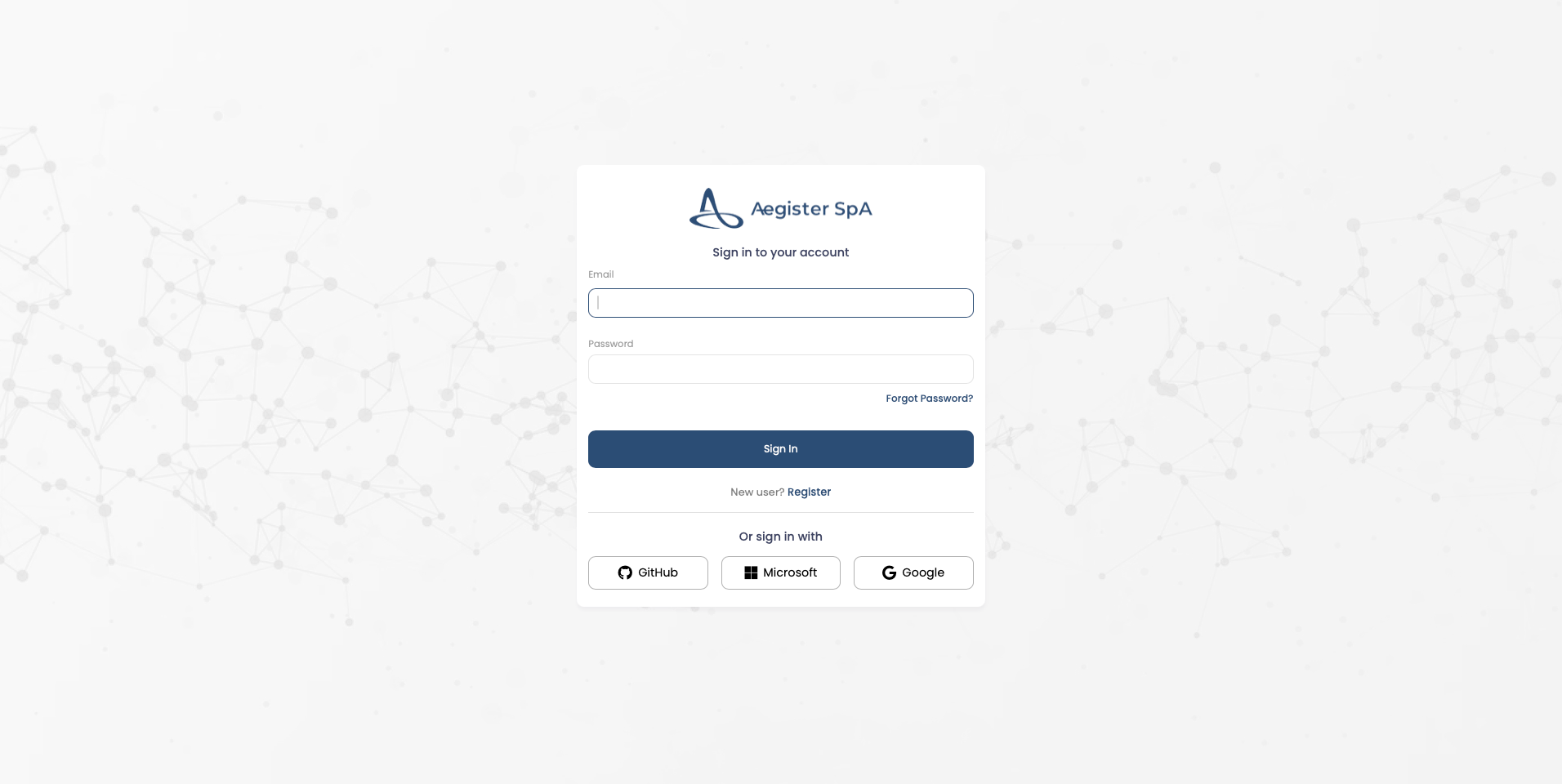
2. **Selecting Your SSO Provider:**\
Click the "Login" button and choose your SSO provider.
4. **Review by the Aegister Team:**\
The Aegister team reviews your account. If your organization is new, they add the licenses your company purchased and activate your account.
## Scenario B: User With SSO
If you use a Single Sign-On (SSO) system, follow these steps:
1. **Accessing the Platform:**\
Visit [https://app.aegister.com/](https://app.aegister.com/).
2. **Selecting Your SSO Provider:**\
Click the "Login" button and choose your SSO provider.
 3. **Verifying Your Information:**
* If the Aegister team has already linked your email address to your organization, you gain access to all relevant information and services right away.
* Otherwise, the Aegister team reviews your account and, if it is a new organization, adds the purchased licenses.
Follow these steps to register and access the Aegister Cyber Console quickly and securely.
3. **Verifying Your Information:**
* If the Aegister team has already linked your email address to your organization, you gain access to all relevant information and services right away.
* Otherwise, the Aegister team reviews your account and, if it is a new organization, adds the purchased licenses.
Follow these steps to register and access the Aegister Cyber Console quickly and securely.